Power Tools
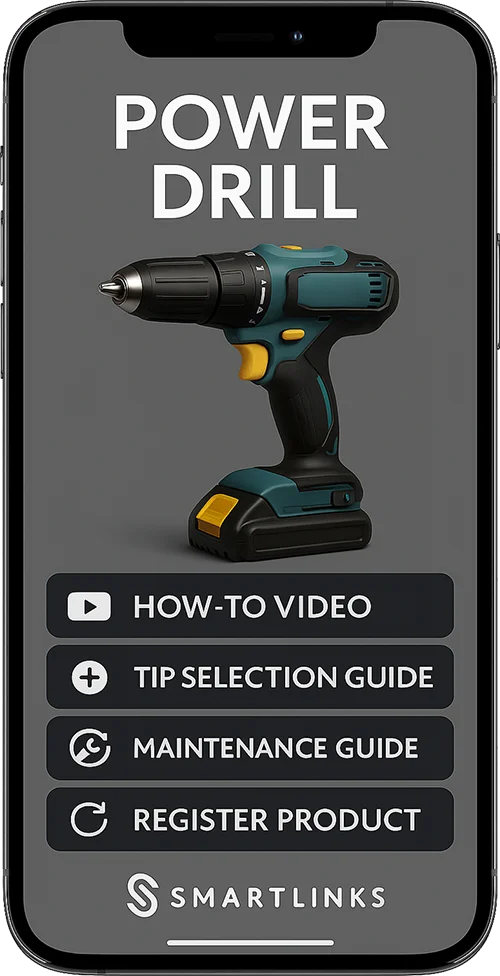
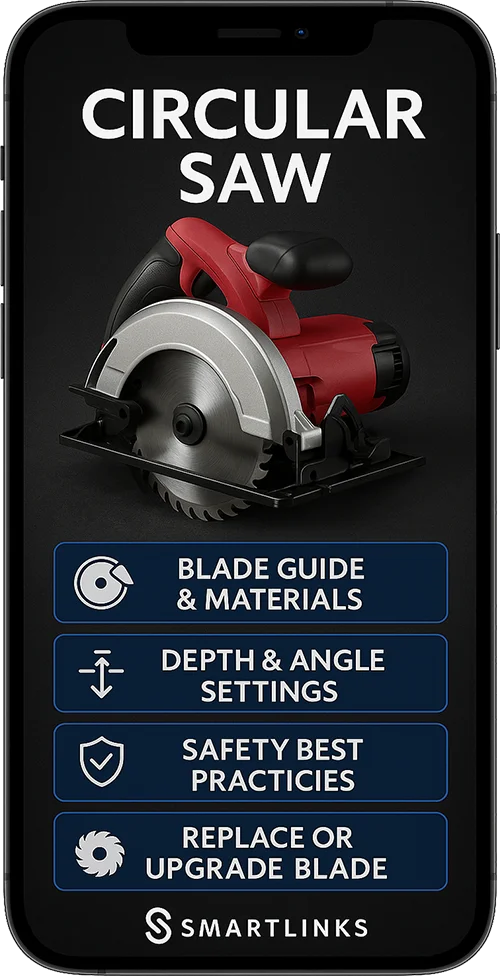
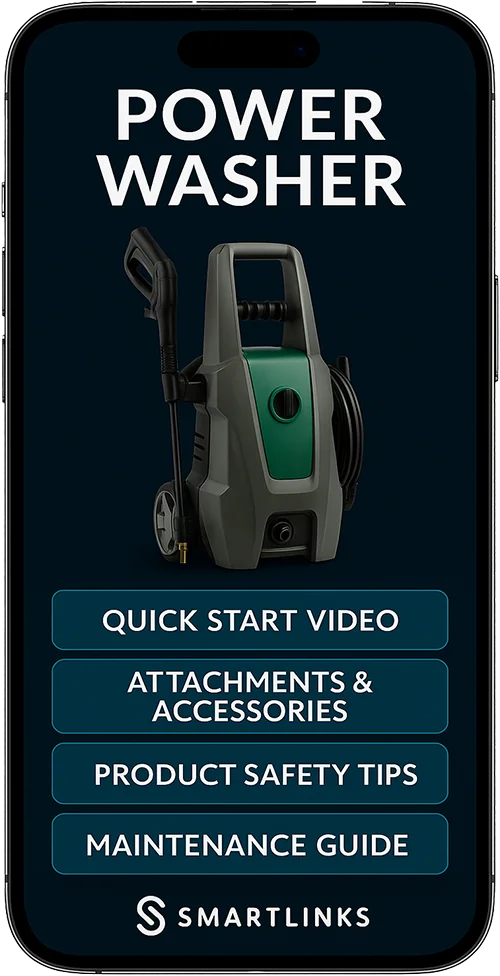
How a power tool brand uses item-level identity: tutorials, safety guidance and service intervals on the tool, and genuine replacement parts ordered from the tool that needs them.
Illustrative only — we will model this against your SKUs on a walkthrough.
The flow, step by step
What happens from the first scan onwards, and who does what.
Powerful capabilities
Advanced features designed to streamline your operations and maximise efficiency.
Video tutorial access
Step-by-step guides for a given technique, opened from the tool
Maintenance prompts
Reminders for cleaning, servicing and part replacement
Safety guidance
Protocols and best practice available before the job starts
Genuine parts ordering
Direct access to authentic replacement parts and accessories
Service provider network
Certified repair services and approved dealers
Usage analytics
Scan patterns that show which guidance is used and when
Where the value shows up
The mechanisms this flow creates, rather than a promised number.
The tool as a sales channel
Guidance, servicing and genuine parts all belong on the tool, which keeps the brand present through the working life of the machine.
Servicing prompted by the tool
Maintenance reminders, genuine parts ordering and service booking from the machine that needs them.
Accessories at the point of use
Attachments, consumables, safety gear and complementary equipment offered when the user is holding the tool.
Usage insight
Scan patterns show which guidance is used and which tools are worked hardest, informing training and range planning.
Illustrative only — we will model this against your SKUs on a walkthrough.
What this changes day to day
The practical differences once each item carries its own identity.
See this modelled against your own products
Bring a few SKUs and we will walk through what power tools would look like for your range.
Book a walkthrough